We’re officially a month into the 60 Day Set-Up Series! This means that you’ve established the basics of your digital planner business. You know everything you need to do and have likely started working on identifying your niche, defining your products, bringing them to life, and launching your Etsy Shop.
The truth is, that’s only half of the work. What we’ve covered so far has been all about starting your business, but now we’re going to pivot and talk about maintaining and growing your business so that instead of it being a chore, it’s something you wake up and are excited to do each day.
The first step in the process of maintaining your business is making sure that it has a strong infrastructure. And that’s exactly the goal we’re going to cover in this blog post – how to streamline your workflows to create a sustainable business that serves its purpose in your life without contributing to your stress levels like a corporate 9-5 may make you feel.
Why a Streamlined Workflow Matters
This may seem like a goal you can skip – give yourself a week off and treat yourself for how far you’ve come in reaching your goals of having a successful digital stationery shop. While you absolutely do deserve to treat yourself for all your hard work, this week is about bettering what you’ve already done so that your business can work for you instead of the other way around.
By creating streamlined workflows, you’re doing 4 things for yourself…
Avoiding the trap of decision fatigue and feelings of burnout
Allows for your creative time to be used efficiently
Have a consistent launches and content schedules
Set up a foundation for scaling + outsourcing later on
Think of it like grocery shopping. Chances are that you have a routine – a process – that you follow each week that works for your thought process, family, and needs. Maybe on a set day of the week, you take an inventory of what products you have left in your home, what’s running low, and what’s gone. You make a list of what you need, what meals you’re going to cook for the week, and the ingredients you’ll need to make them.
Imagine not having a system like this and instead every week you just walk into the grocery store and pull whatever looks good off the shelf. What would happen? You may not have what you need to make well-balanced meals and you may be spending your money on things you don’t really need.
The same can be said about not having a streamline workflow. Without one, you may be continuously reinventing the wheel, spending your time on tasks that could be automated, or even making more work for yourself.
To avoid doing this to yourself, I’m going to share the 5 steps it takes to build a successful workflow.
Step 1 — Choose Tools That Support Your Process
When workflows feel clunky, it’s not a you problem – it’s a tools problem. At the root of this can be the design program you use. Having the right design program directly influences how quickly you can create products, stay organized, and maintain consistent quality across your shop.
While there are countless design tools out there, the truth is that they’re not all created equal. If you're constantly fighting your software or hopping between programs just to export, format, or add links, it may be time to upgrade to a more robust tool.
My personal favorite is Affinity Publisher (which you can read more about here). It’s everything you could hope for in a digital planner design program – intuitive design features, professional layout tools, and seamless integration without breaking the bank.
Honorable mentions for some other well-loved design programs are Canva, Keynote, and Adobe InDesign. You can read more about a side by side comparison of these programs with Affinity Publisher in this blog post!
Switching platforms can feel intimidating, but using a tool built for what you're designing can dramatically shorten your creation time and improve the products you create.
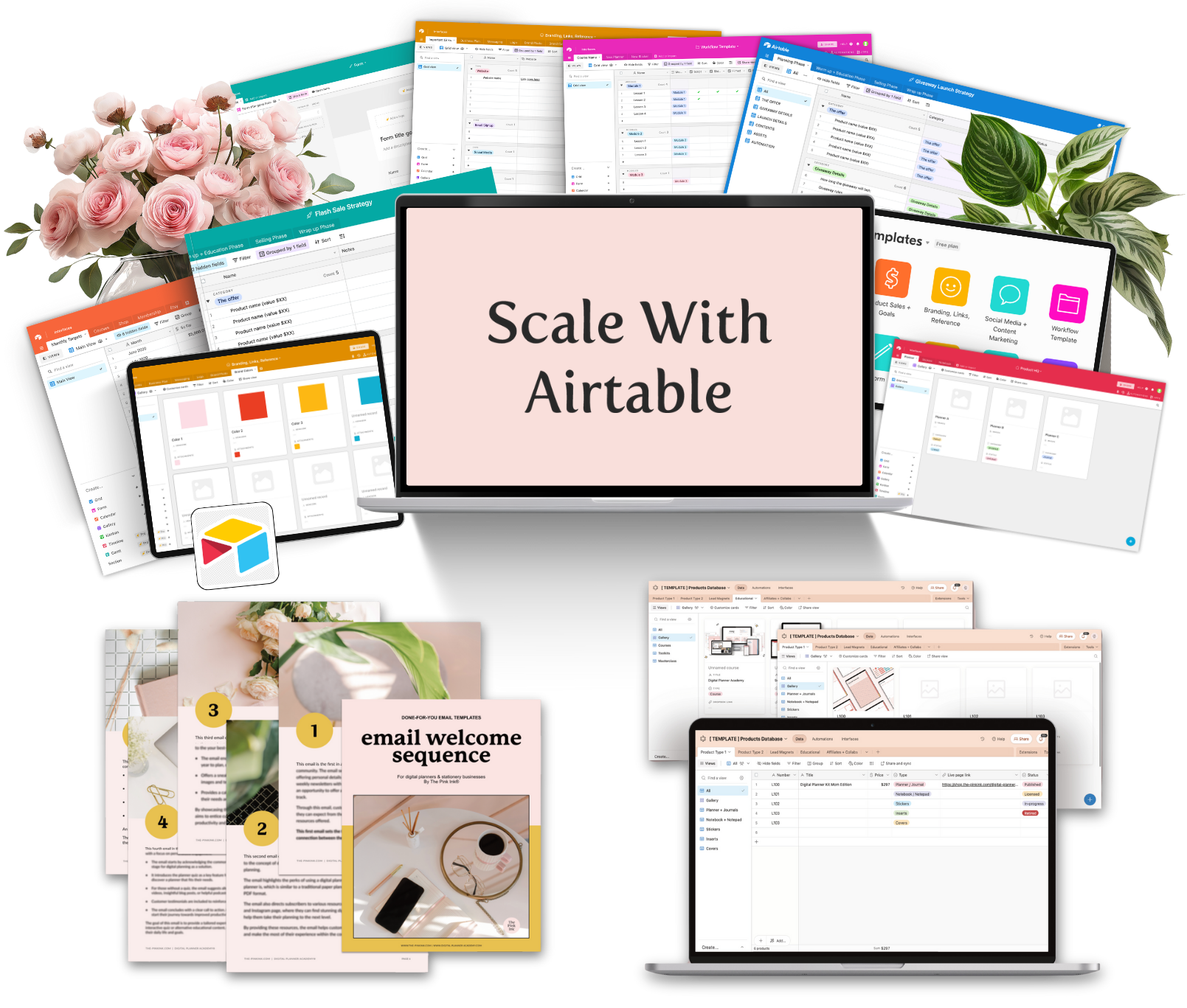
✨ This Week Only: The Systems & Automation Bundle
Stop feeling overwhelmed by scattered files and missed follow-ups. Get organized and automate your customer journey with two essential tools:
Scale with Airtable Course Master the art of organizing your digital files, tracking products, managing content, and keeping your entire business in one streamlined system. Includes done-for-you Airtable base templates.
5-Step Welcome Email Sequence Templates Turn new subscribers into loyal customers on autopilot. Get ready-to-customize email templates (Google Doc + PDF) designed specifically for digital planner businesses.
Perfect for: Creators who are tired of chaos and ready for systems that actually work.
Step 2 — Document Your Design Workflow
From ideation to promotion, get your design workflow written down so that you can just focus on designing and not have to wonder what goes next in the process.
One of the simplest steps you can take this week is to write down your design process from start to finish.
Think of it like building a roadmap:
Ideation
Layout creation
Hyperlinking
Exporting
Mockups
Listings
Promo content
Once it's written down, you can stop asking “What do I do next?” and start moving through tasks with confidence.
Tools like Asana and Airtable are perfect for this because they allow you to build reusable checklists, track where each project stands, and store recurring steps in a way that can be reused for every product you create.
This doesn’t just save time, it protects your creativity. By having a documented workflow, you’ll be able to keep your brain focused on design, not logistics.
Want deeper support?
This week only, you can grab the Scale with Airtable course + a full library of email marketing templates
This bundle helps you organize product workflows, launches, and content systems so your business operates like a well-managed studio instead of a scramble of tabs and to-dos.
Step 3 — Start With Templates to Save Time
If you want to speed up your workflow, don’t start from scratch. Templates reduce decision fatigue so you can skip the “where do I begin?” phase and jump straight into creating.
This provides you with a premade structure so you can focus on branding and functionality to make your planner unique instead of the layout and foundation.
For digital planning specifically, templates can help you:
create products faster
stay consistent across your shop
batch designs efficiently
spend more time promoting instead of designing
If you want templates designed for digital planning businesses that you can customize and resell, The Hub PLR template membership gives you fresh, designer-made templates every month to help you build products without the overwhelm of starting from zero. Sign up to get a personalized invitation to join by visiting this link.
Step 4 — Save + Reuse Your Design Elements
Once you’ve created products that work, there’s nothing wrong with reusing the bones. Why design every planner from the ground up when you already have functional layouts, styles, icons, and tables that perform well?
One of Affinity Publisher’s most underrated features is the ability to save assets like:
Styles
Color palettes
Icons
Shapes
Paragraph settings
Full layout components
Not only will this save you time, but it allows you to show up consistently across your shop with all the products you create. Your branding can be added with only a few clicks to each product instead of having to be rebuilt, one virtual brick at a time.
Pair this with the written design process you outlined in step one, and you’ll start to see your workflow shift from reactive to repeatable. When you aren’t rebuilding assets, retracing steps, or tracking projects across random notes and browser tabs, you create space to focus on the part you actually love—designing.
And if the backend of your business still feels disorganized or scattered, this is the perfect time to build systems that support that efficiency outside the design software, too.
This week only, you can grab the Scale with Airtable course + a full library of email templates.
This bundle helps you organize product creation workflows, launches, and marketing systems so everything runs smoother behind the scenes—giving you more time to create instead of managing chaos. You can check it out here!
Step 5 — Design Less, Promote More
A shop that is working for you allows you to spend more time attracting new customers and increasing your exposure. Designing products is only half of the process, and once you have that part down to a science, you can spend your time on improving your marketing strategies.
That might look like:
Posting product mockups on social media
Running Facebook or Google ads
Partnering with influencers or affiliates
Testing promo strategies beyond Instagram
Pro tip: If marketing feels intimidating, start with small steps that break down the process into manageable steps and tackle them one at a time. Think about the goals you have for marketing your shop and work backwards to create a plan that allows you to make continuous progress.
Put Your Workflow in Motion
Putting systems in place in your business doesn’t mean that you can’t be flexible. The most effective workflows are ones that grow and change with your business. Learning new skills, elevating your products, or expanding your business are all good things that require revising your workflow.
I encourage you throughout this week to think about what systems you can set up in your business – between design systems, content creation, marketing strategies, and launch plans – there are so many ways you can install workflows in your business that allow you to focus on the tasks you really care about, in and out of your business.
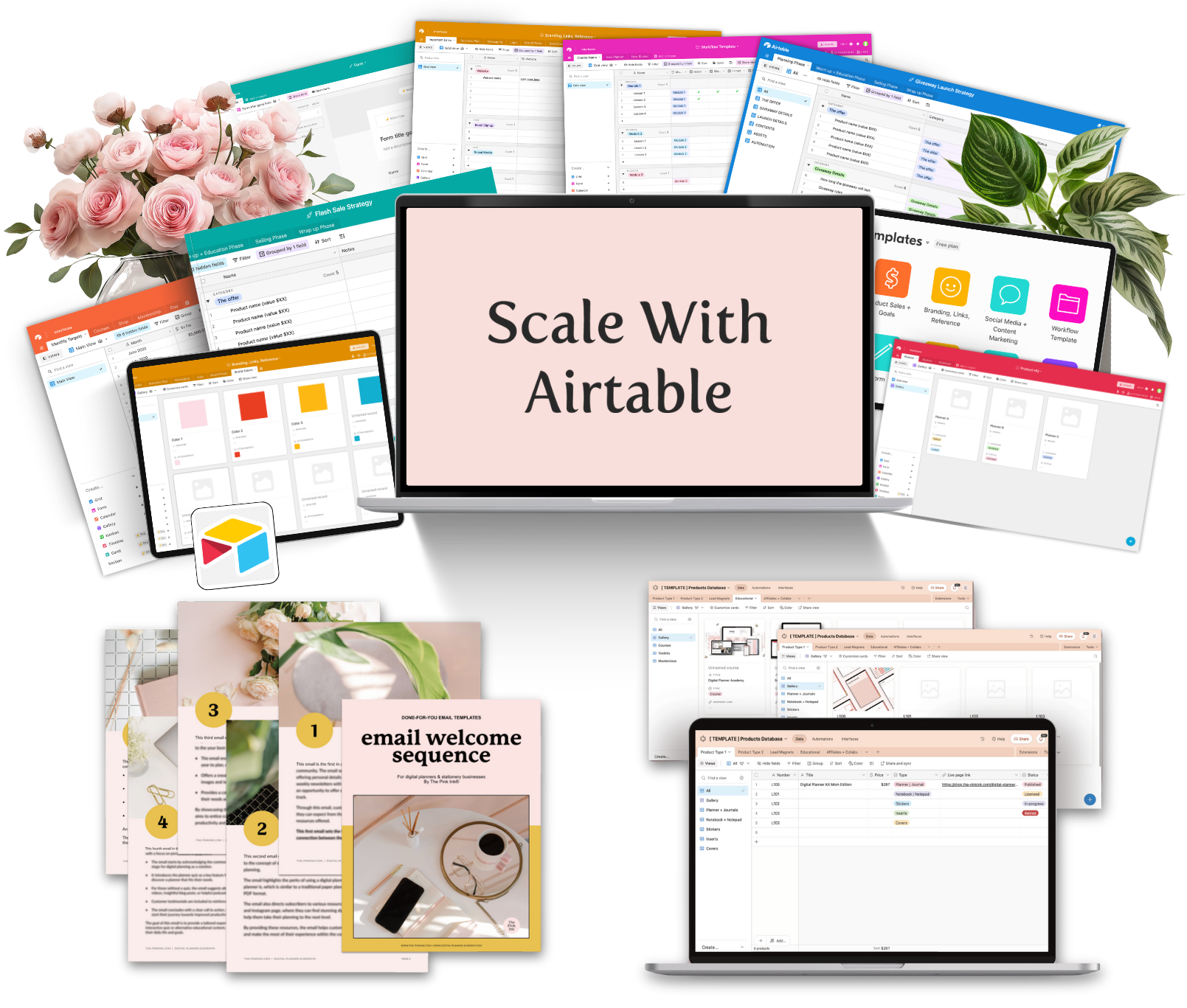
This can feel like an intimidating process – to take a look at all the processes in your business and streamline them into systems that can be reused time and time again. But I’m not leaving you without a helping hand. For this week only, you can grab Scale with Airtable + my email marketing templates.
This is the perfect way to organize your workflows, structure product launches, and automate more of your backend so you can spend more time designing and promoting. You can learn more and grab the course and templates here.