If you've been researching how to create a planner, you've probably heard the term “index file.” It sounds intimidating but it doesn’t have to be! Let's talk about what it is, why it matters, and why it's the starting point for almost every planner design project.
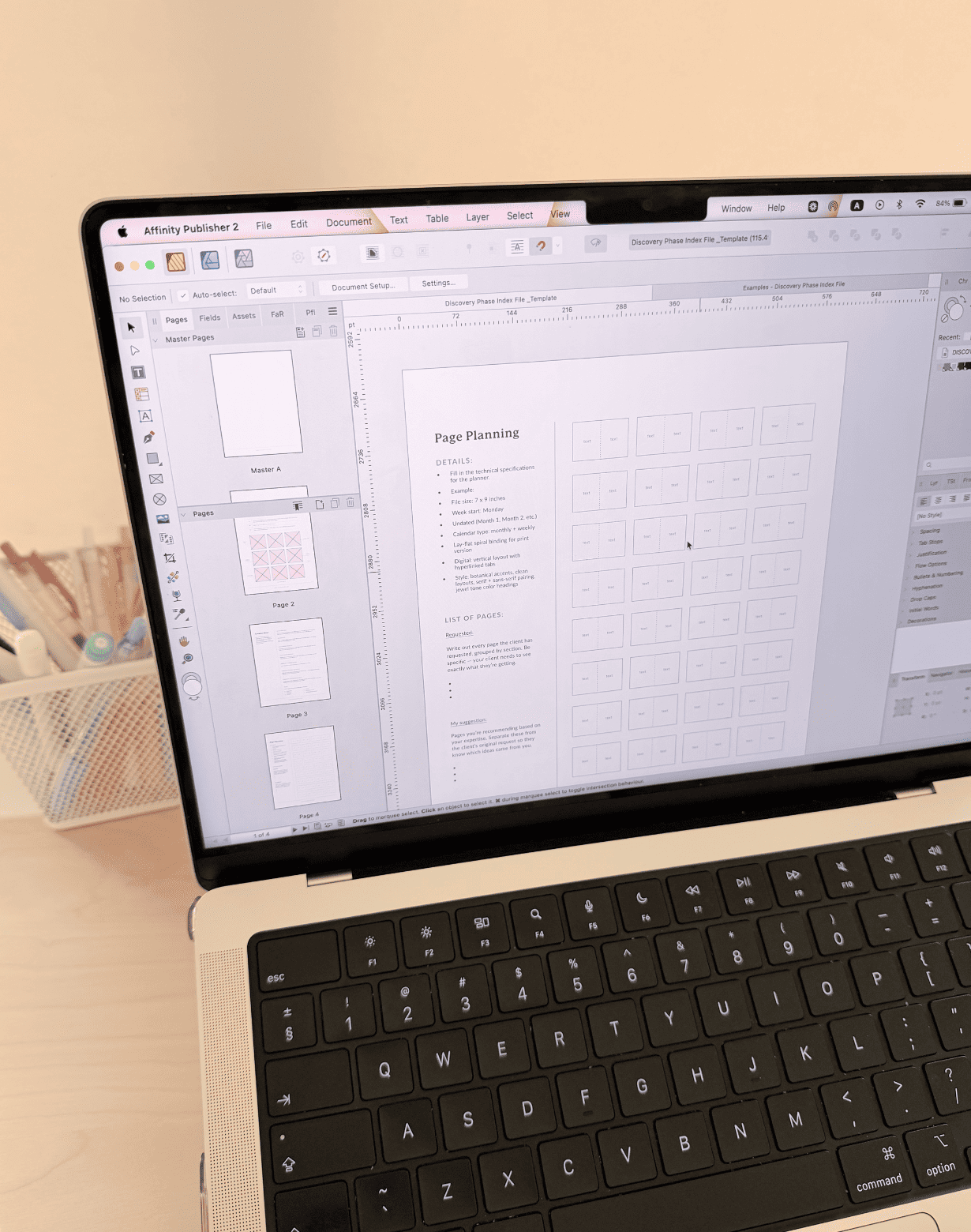
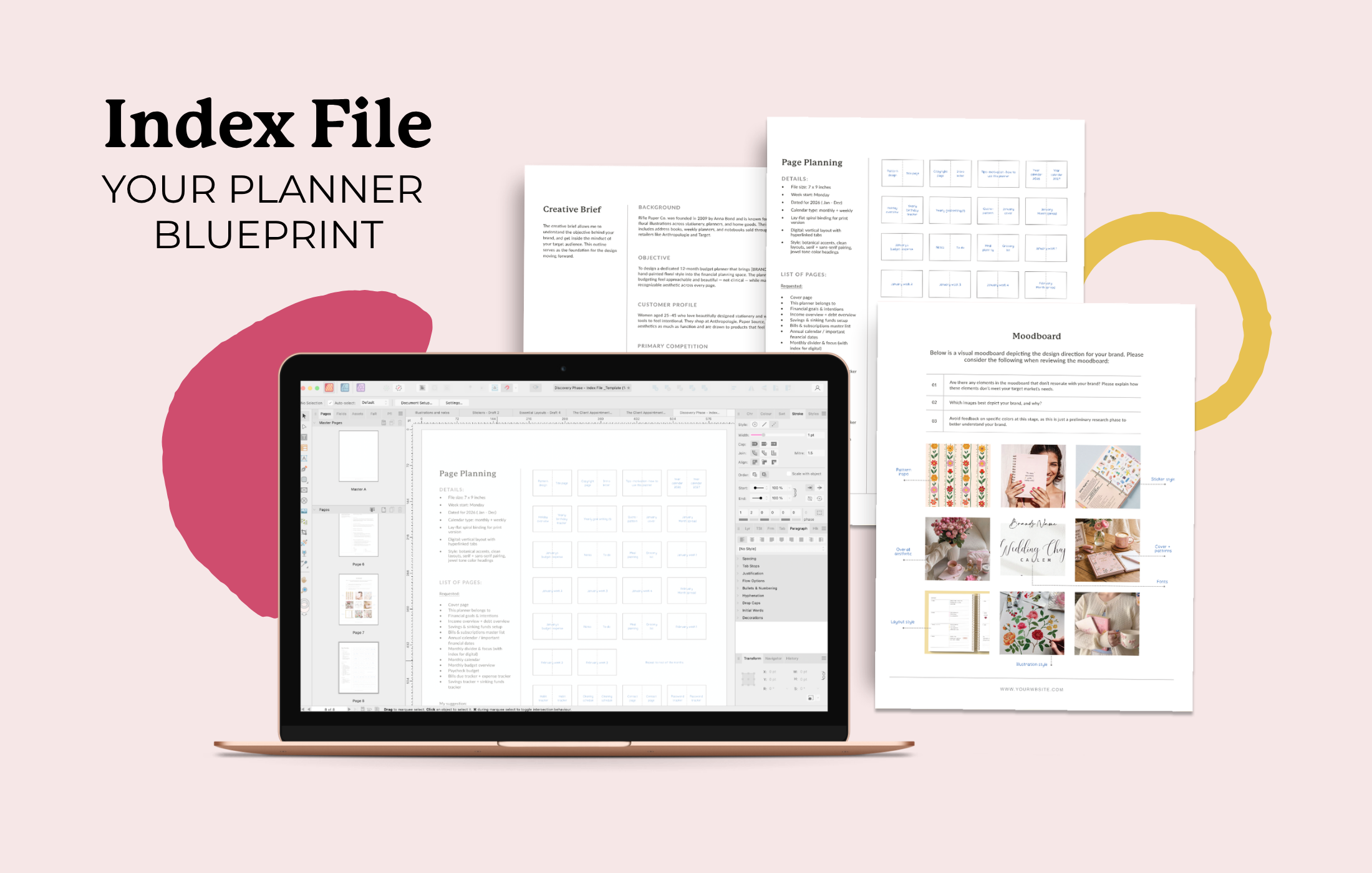
An index file is the master blueprint for your planner. It's part table of contents, part production spreadsheet, part design outline. Before a single design pixel happens, an index file is created. It maps out every part of your planner, including the sections, page types, page order, quantities, and production details.
What Is a Planner Index File and Why Do You Need One?
An index file is a document—usually a spreadsheet—that lists every distinct page or page type in your planner, along with critical information about that page. It gives your designer a clear roadmap of what you're creating, how it's structured, and everything they need to bring it to life.
Here's the kind of detail that goes into an index file:
Section name (cover, monthly planning, weekly spreads, notes, dividers, etc.)
Page type or description (full-page illustration, two-page spread, single page, die-cut tab, etc.)
Repeat count (how many times the page appears)
Page size and orientation (full 8.5" × 11", half-page, portrait, landscape, etc.)
Special production notes (die-cut tabs, perforated edges, ribbon bookmarks, foil stamping, etc.)
Content notes (text, prompts, or other content that should appear on the page)
An index file doesn't just keep your project organized—it makes every decision that comes next easier. With a clear picture of your planner's structure, you and your designer can estimate design costs more accurately, build a realistic timeline, and prepare for print with confidence. For a deeper look at pricing, see how much custom planner design costs.
Want help organizing your page list? Download the free checklist to map out your sections before talking to a designer.
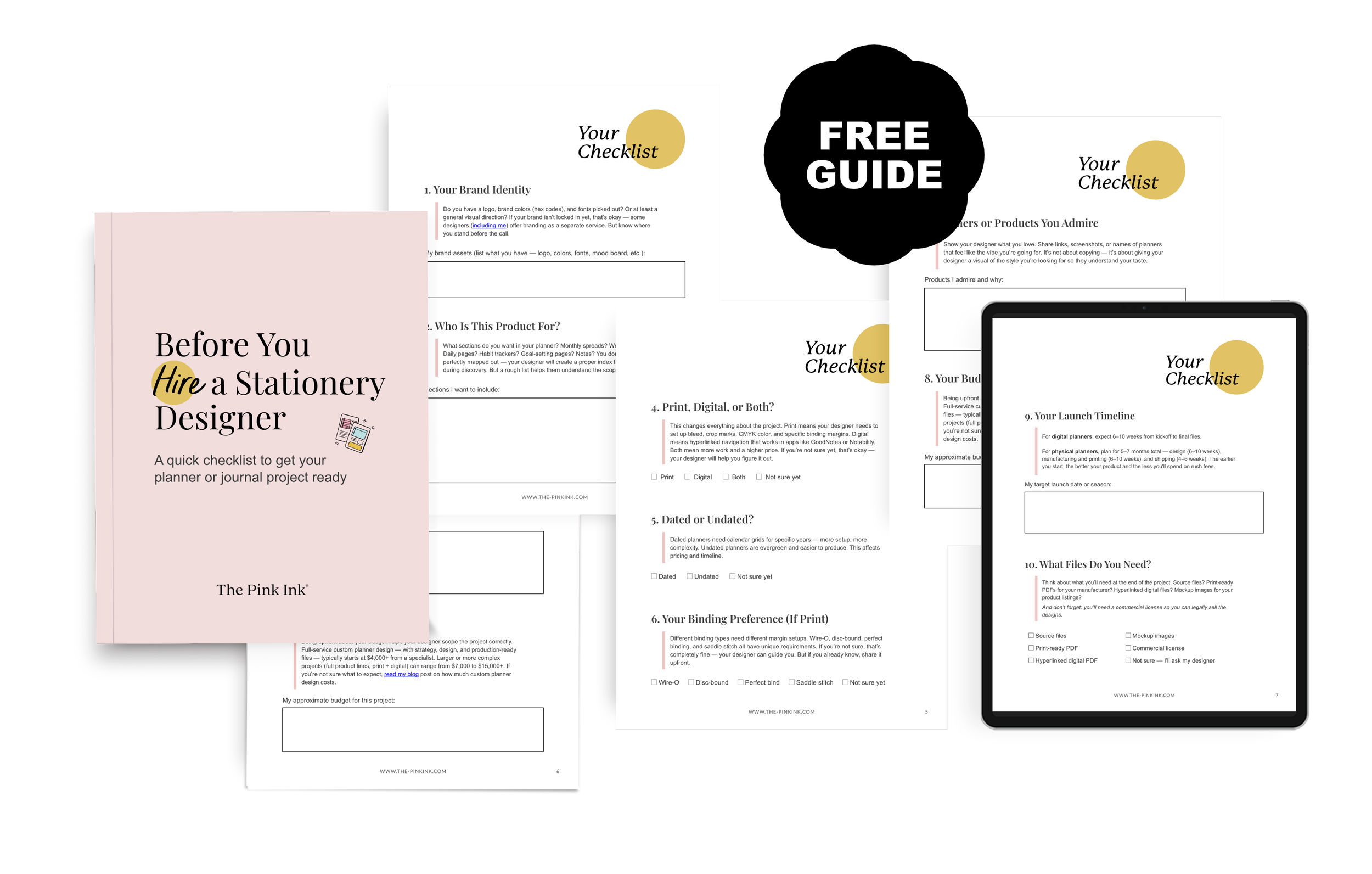
DOWNLOAD THE CHECKLIST »
What Are Common Planner Page Types and Their Repeat Counts?
A repeat count is simply how many times a page appears in your planner. While some pages only appear once, others repeat throughout the planner and make up the majority of your page count.
For example, a typical yearly planner might include:
1 front and back cover
1–2 title pages or annual overview pages
12 monthly spreads (one for each month)
52 weekly spreads (one for each week)
Up to 365 daily planning pages (or around 250 for weekdays only)
Additional pages like habit trackers, goal-setting pages, notes, reflections, and divider tabs, depending on your vision
At first glance, two planners might look very similar. But one with 12 monthly spreads is a much different project than one with 365 daily pages. Even when the layout stays the same, every repeated page contributes to the overall scope of the project.

How Do Repeat Counts Affect Your Planner's Page Count?
Imagine you're planning a yearly planner. You add a beautiful cover, a welcome page, an annual overview, 12 monthly spreads, 52 weekly spreads, and a handful of notes pages. Sounds fairly straightforward, right? That planner might land around 150 pages.
Now imagine you decide to add daily planning pages for every day of the year. Suddenly, you're not adding a few extra pages—you're adding hundreds. Your planner can quickly jump to 400+ pages, turning it into a completely different project with different pricing, a longer timeline, and even different binding considerations.
That's why repeat counts matter so much. They show you the real scope of the project before design begins, so there are no surprises halfway through.
They also help you make strategic decisions. For example, you might realize that weekly planning is the core feature your customers care about most. Instead of including 250+ daily pages, you keep the weekly spreads and create a cleaner, more streamlined planner. In many cases, that can significantly reduce both the page count and the overall project cost.
And the best part? You can make those decisions before you invest time and money into designing a planner that's larger than it needs to be. If you want to be sure that the investment is worth it, read the blog post “Is custom planner design worth the investment?”
💌 Interested in working with The Pink Ink to create your custom planner or journal?
Fill out an inquiry form to start the conversation, share your project details, and help me determine if we’re a good fit for each other.

How Do Repeat Counts Save You Money in Design?
Repeat counts don't just affect page count—they fundamentally change how much design work is required. A weekly spread template gets designed once, then duplicated 52 times with updated dates. The more pages that are repeats of the same design, the less unique design work is required.
Compare that to a planner with 25 completely different page types that each appear only once or twice. That's 25 different design decisions and layouts, resulting in way more designer time and higher costs. Locking in your index file before starting your project saves you money because changes mid-project are expensive!
Download the free checklist — it includes a section for mapping your repeat counts.
What Should Your Index File Template Include?
The good news is you don't need fancy software or complicated planning documents to get started. A simple spreadsheet is more than enough.
Create a column for each of the basics:
Section (Monthly Planning, Weekly Planning, Notes, etc.)
Page type (monthly calendar, weekly spread, habit tracker, divider, and so on)
Number of repeats (how many times that page appears)
Layout (single page or two-page spread)
Notes (anything your designer or printer should know)
Don't worry about making it perfect. The goal isn't to have every detail figured out—it's to organize your ideas into a clear plan that you and your designer can build from.
Once you have that foundation, you'll be able to have more productive conversations, receive more accurate project estimates, and move into the design phase with confidence.
Should You Build Your Own Index File?
If you already have a clear vision for your planner, then yes—it's absolutely worth creating a rough index file before you talk to a designer. It helps you organize your ideas, spot gaps, and gives your designer a much clearer starting point, leading to more accurate estimates and a smoother design process.
If you're not there yet, that's completely okay. During the discovery phase of my custom planner design service, we'll build your index file together. And if you're creating a journal instead, you'll follow a very similar process—my guide to the custom journal design process walks you through what to expect.
Either way, every successful planner project starts with an index file. Before you book your project, you may also find it helpful to read about how to prepare for your first call with a planner designer.
Ready to turn your idea into a print-ready planner?
Whether you already have an index file or need help creating one, I'd love to help. Learn more about my custom planner design service, or explore my unlimited design subscription to handle your planner, journal, and all future product needs!